
Product Updates

Automate Your Sync the Smart Way with Rapidi Scheduling
When you have data flowing between two systems, getting the timing right is just as important as getting the data mapping right. In Rapidi, scheduling controls when and how your transfers run — including how often, in what order, and what happens when runs overlap.
What Link Storages Are and How to Use Them in MyRapidi
When you sync records between two systems, there has to be something that remembers which record in the source matches which record in the destination. In Rapidi, that something is called a Link Storage. It stores the primary key pairs between your systems so that transfers know whether to create a new record or update an existing one.
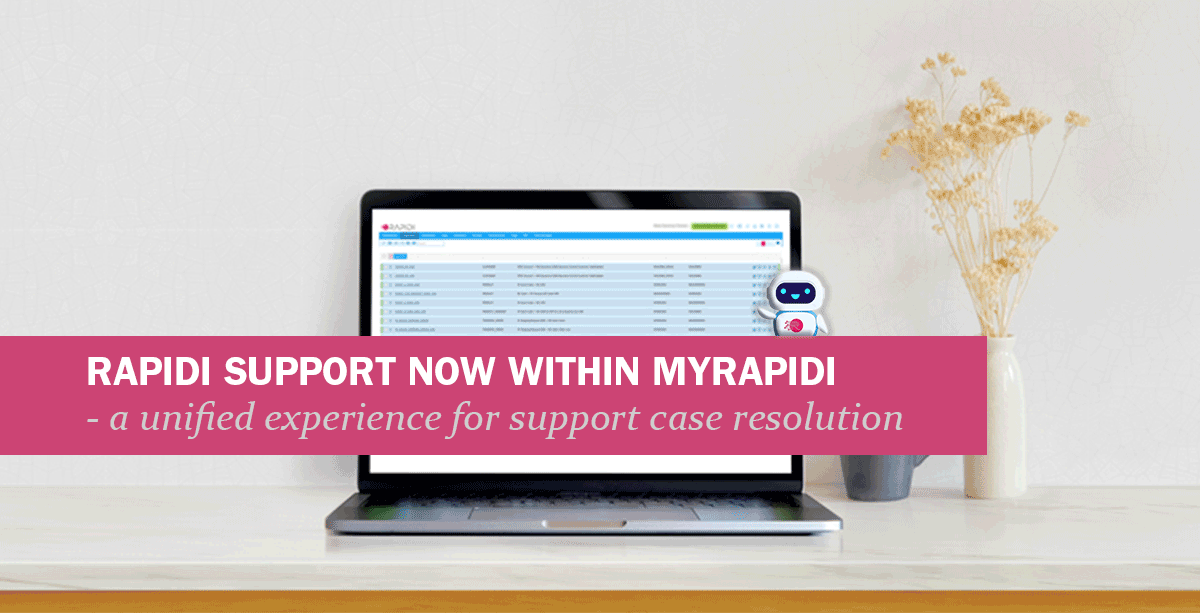
In our ongoing effort to provide our customers with a better experience when submitting support tickets, we have now moved our support system to MyRapidi. From today, support is built directly into MyRapidi. You will be able to see your submitted cases within the same system you use for your integration setup.
- © RAPIDI 2026
- Contact
- Terms of Service
- Privacy Policy
- Get Support